
Projects hold boards. Boards hold the work.
Docket has three layers. Projects nest to match how your team is organized, boards hold the work for a product or a phase, and cards are the tasks, bugs, and feedback on them.

The hierarchy
A workspace holds products, products hold sub-areas, and any project can hold boards. The sidebar shows the whole tree and remembers its width and what you expanded, per account. Every page carries breadcrumbs, so a click on any level takes you back up.
A board does not have to live in a project. Archiving a project archives the projects and boards under it.
Workspace
The top level: a company, a division, or a person's own work.
Product or area
Projects nested under it, to any depth the work needs.
Board
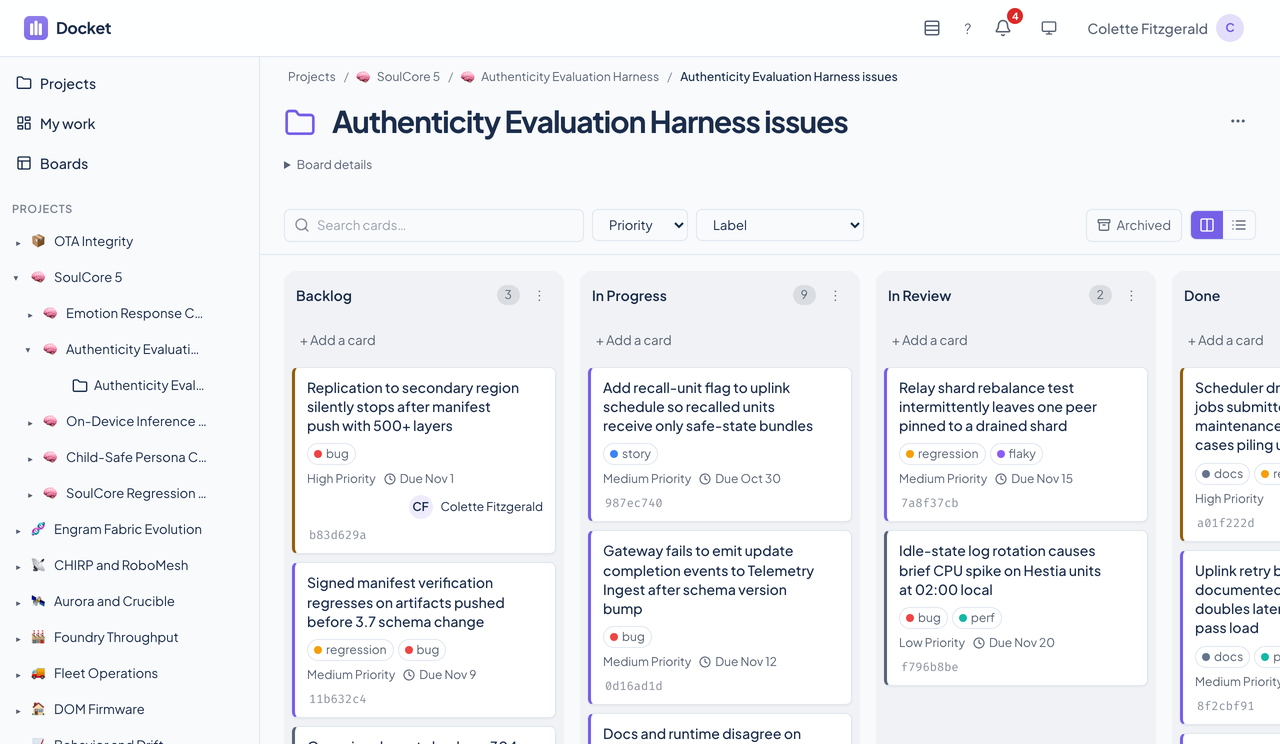
Columns of cards for a backlog, a sprint, an investigation, or an intake queue.
Open cards
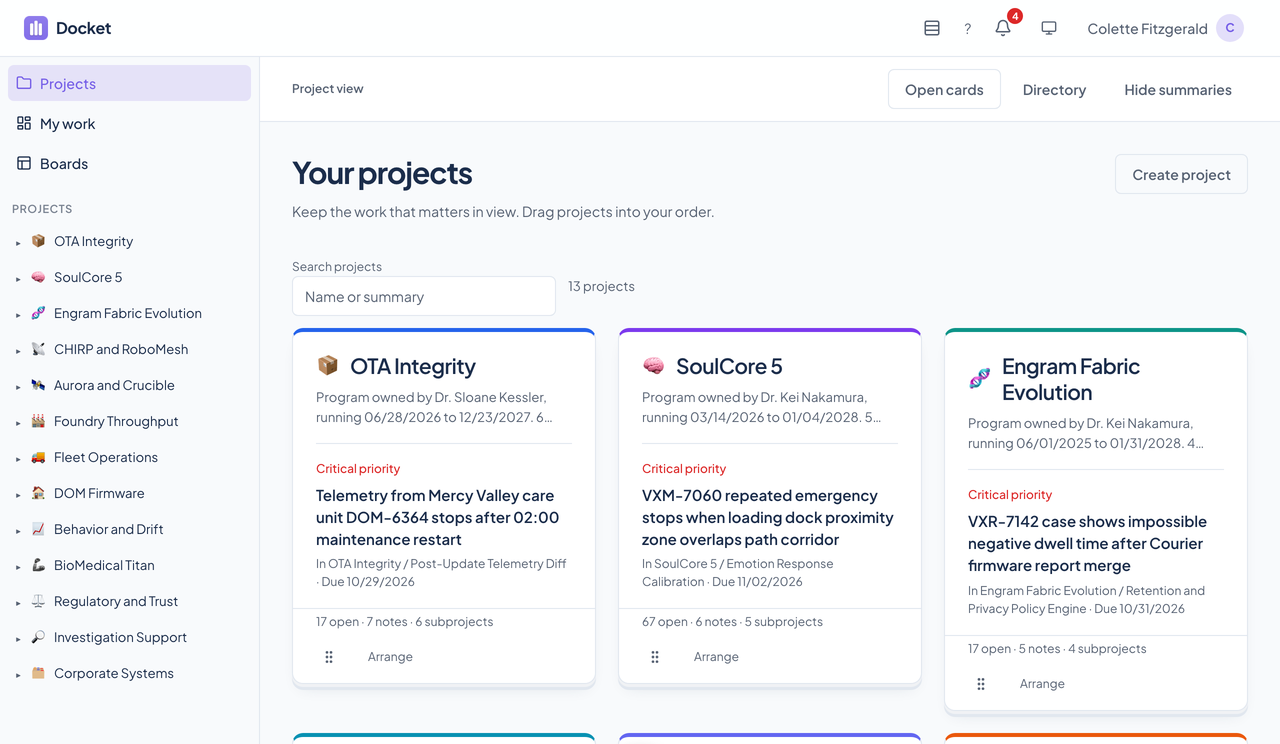
The front page asks one question: what needs me, project by project.
Each project appears as a card. The face shows one open task, the most urgent in that project and every subproject beneath it, and the reason it was chosen. The ranking is fixed and written down: critical priority first, then overdue, then high priority, then due today, then the next action.
Each card also counts its open tasks, private notes, and subprojects. A task counts as open when it sits in an action or open column, so Docket asks you to set a board's workflow before it counts imported tasks, and counts those separately until you do.
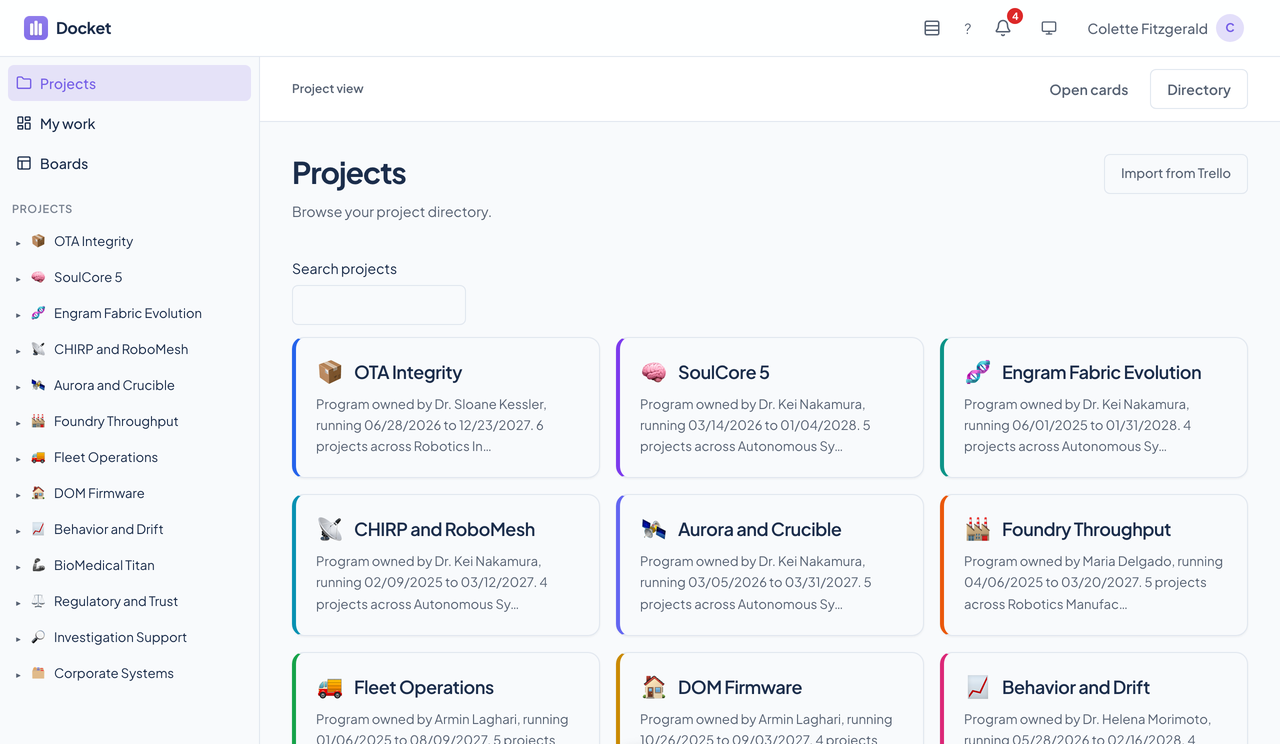
Cards can be dragged into the order you prefer, or moved with keyboard controls and an Arrange menu, including Move to top after the first page. Changing a task never rearranges the order you set. The classic Directory view lists the same projects page by page.
Inside a project
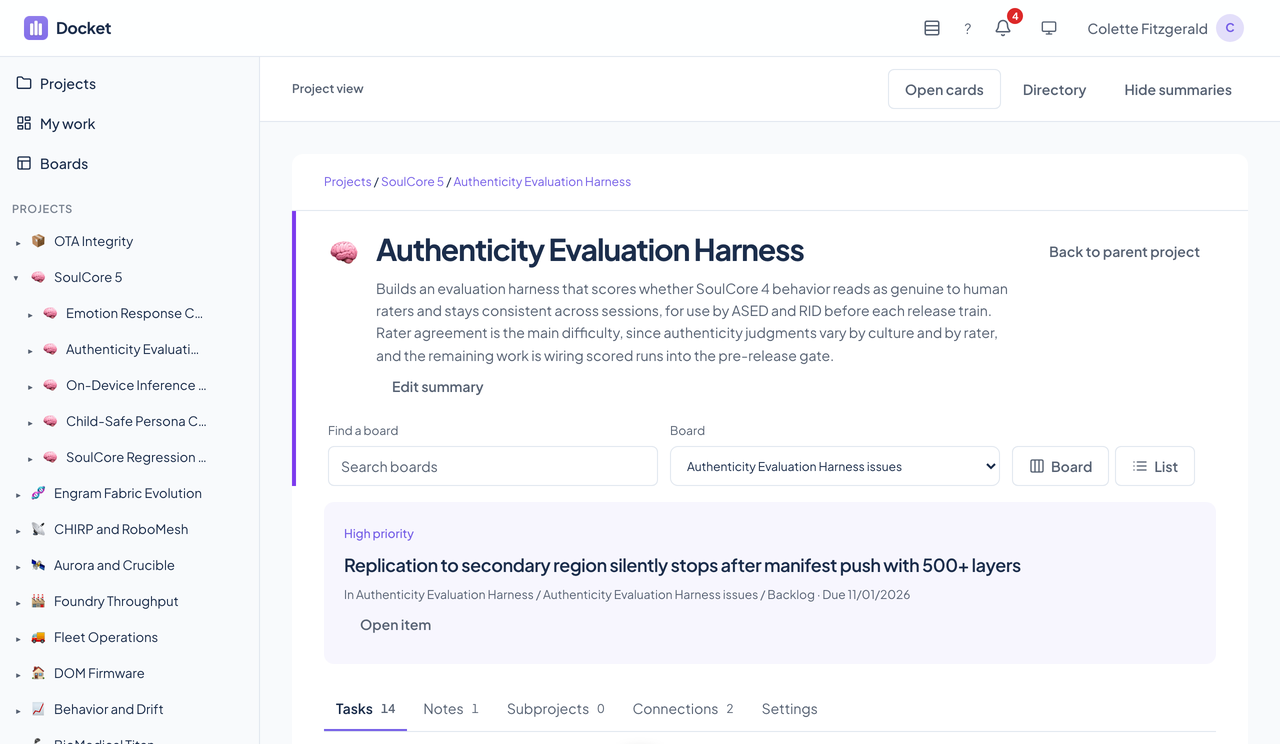
A project opens into a workspace with separate parts, so the page does not try to show everything at once.
Tasks
Active tasks by default. Completed and canceled work is one Show control away.
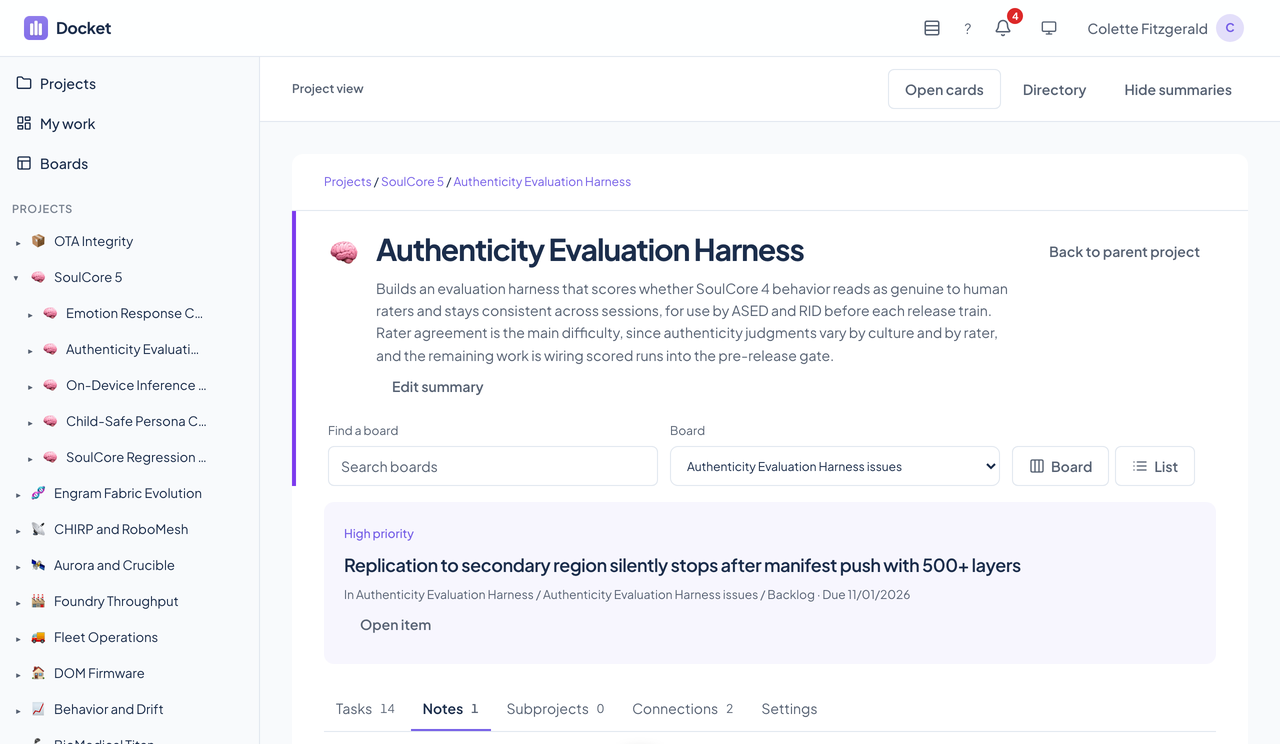
Notes
Private notes on the project, visible only to their author, with their own count.
Subprojects
The projects nested under this one, as cards.
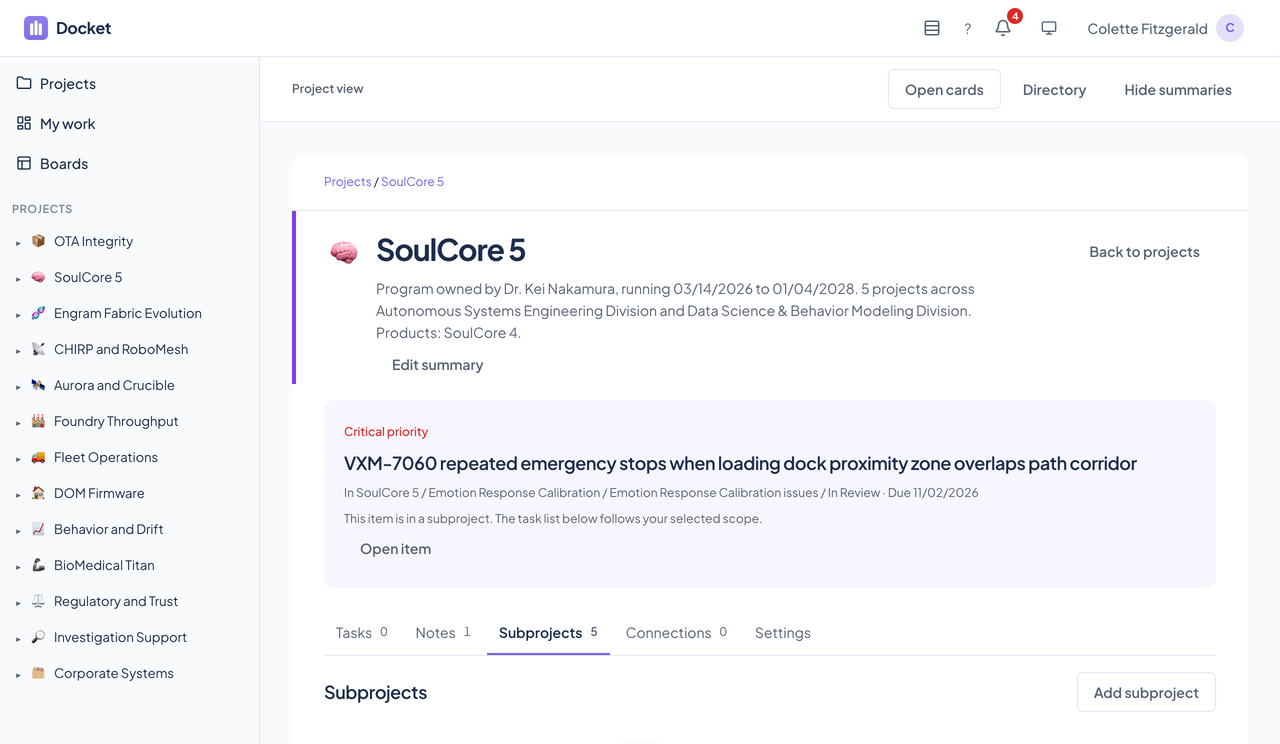
Connections
Links to a Tribe contact, a Courier email thread, a Cadence event, or a pasted app link kept as a bookmark. Docket reads from them and never writes back.
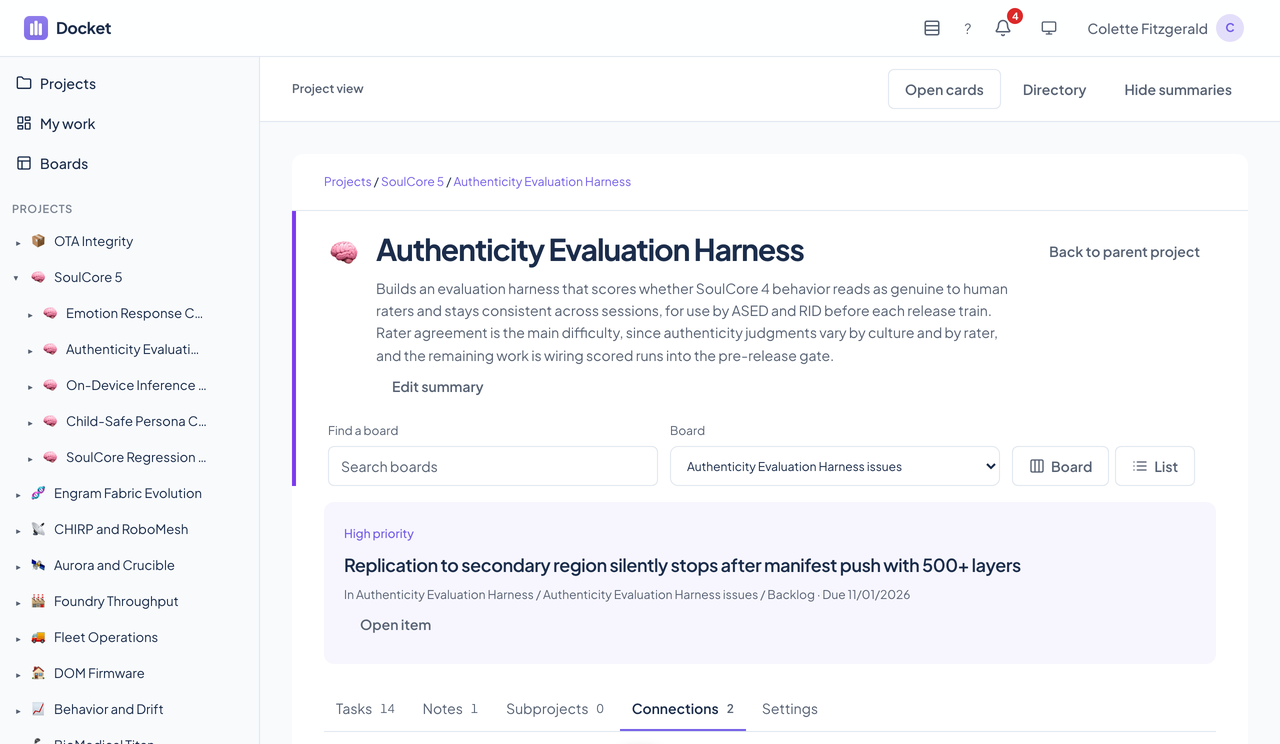
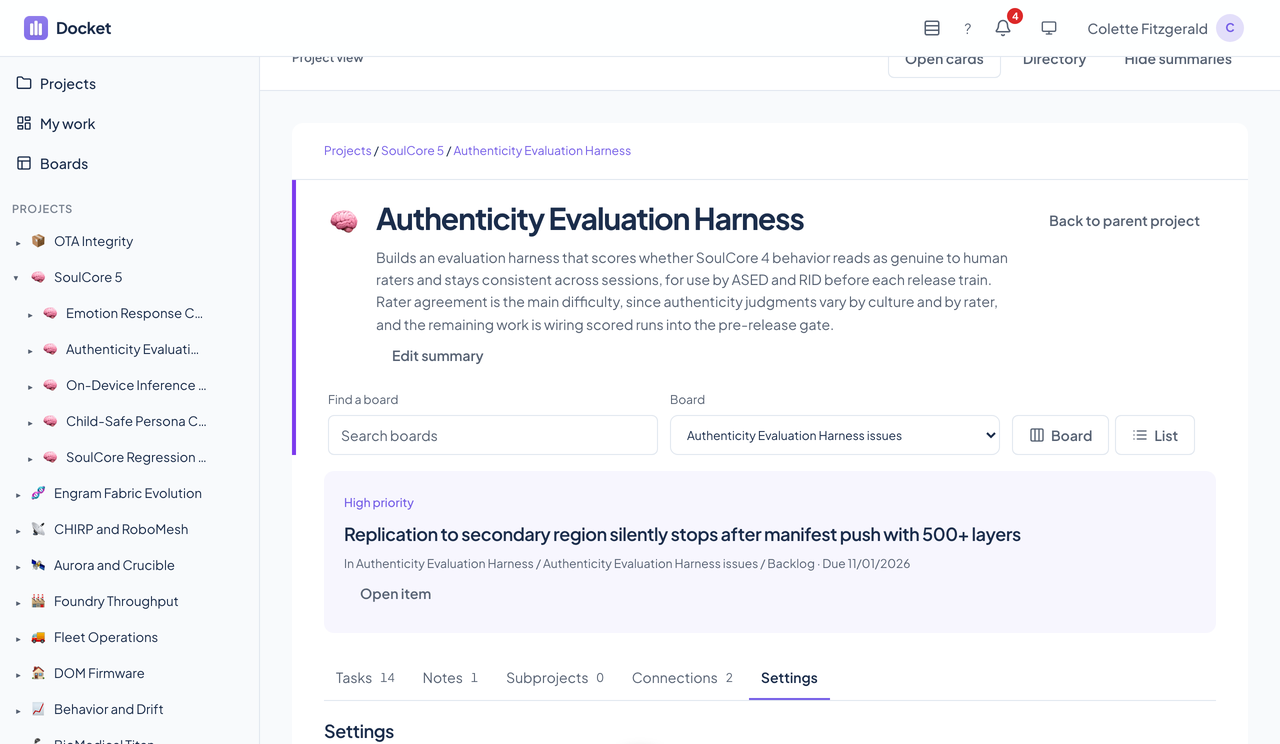
Boards
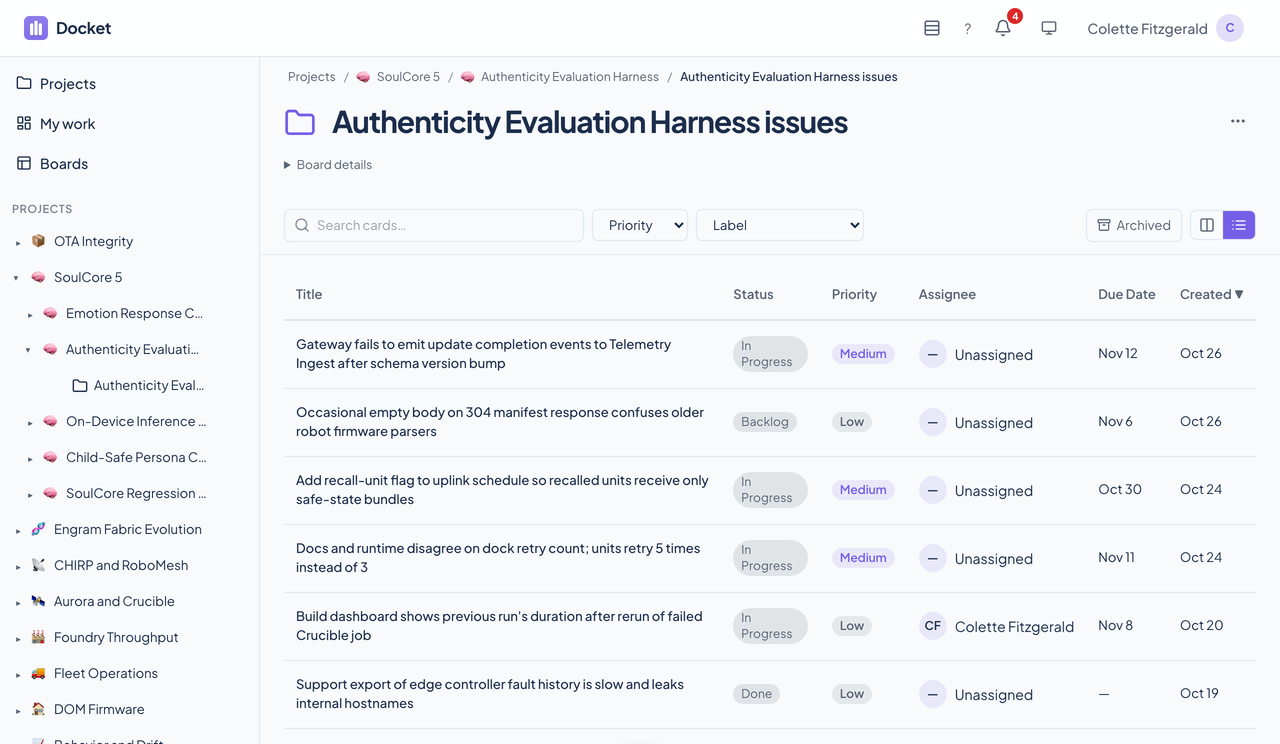
- Kanban or list from one board selector. The list view sorts by title, status, priority, assignee, due date, or creation date, and keeps its sort in the address.
- Columns can be added, renamed, reordered, and deleted. Mark one as the action column and others as completed or canceled to give the board a workflow.
- Boards can be renamed, moved to another project, duplicated, given an icon, archived, and deleted from a three-dot menu.
- Labels belong to a board, carry a color, and show on the card face.
- Filter by product, priority, label, or free text. The filter lives in the address, so a filtered board can be bookmarked and shared.
Finding your work
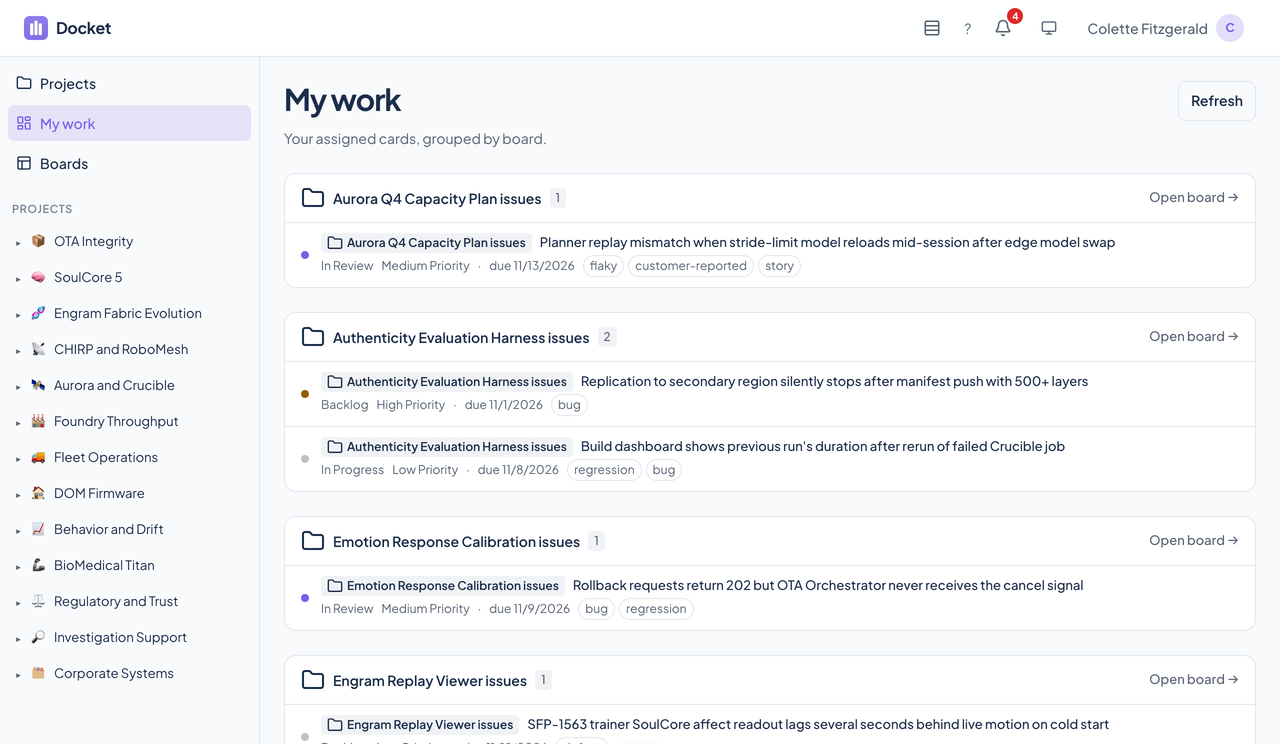
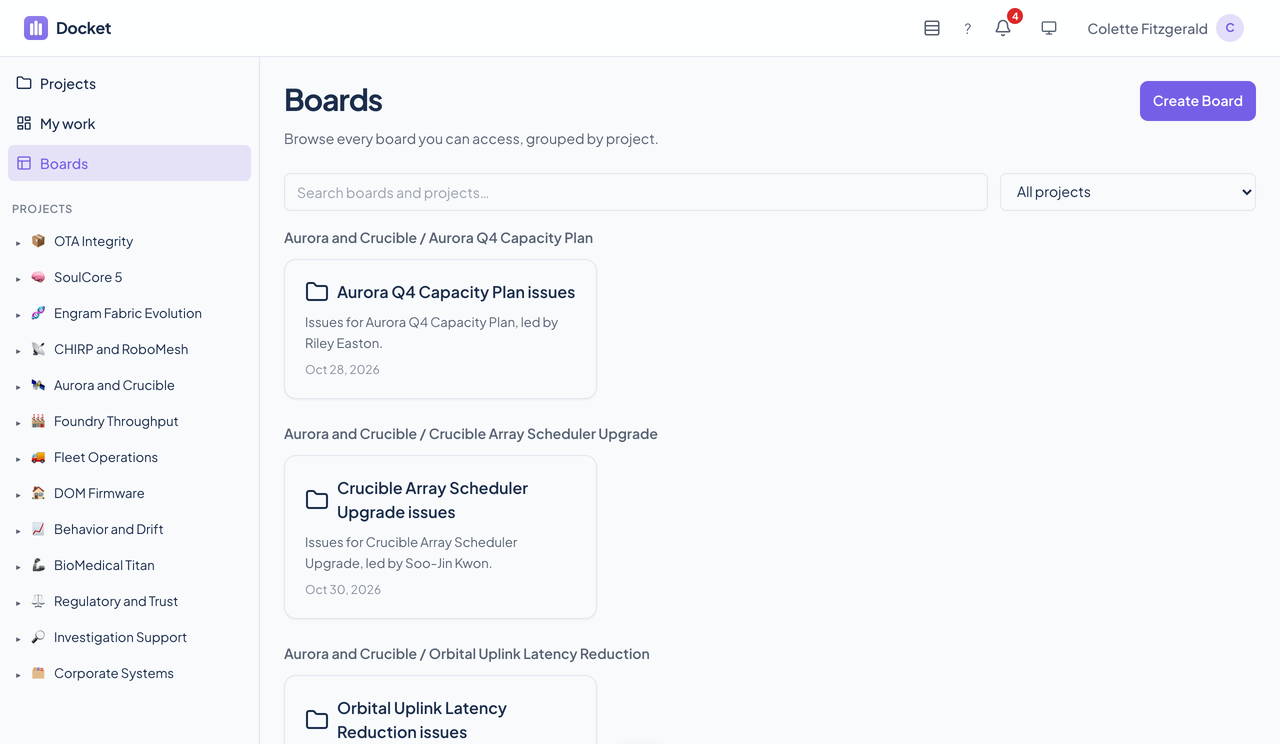
My work lists the cards assigned to you, grouped by board, with each card's status, priority, due date, and labels and a link into the board. The Boards page lists every board you can reach, grouped by project, with a search box and a project filter.
Importing from Trello
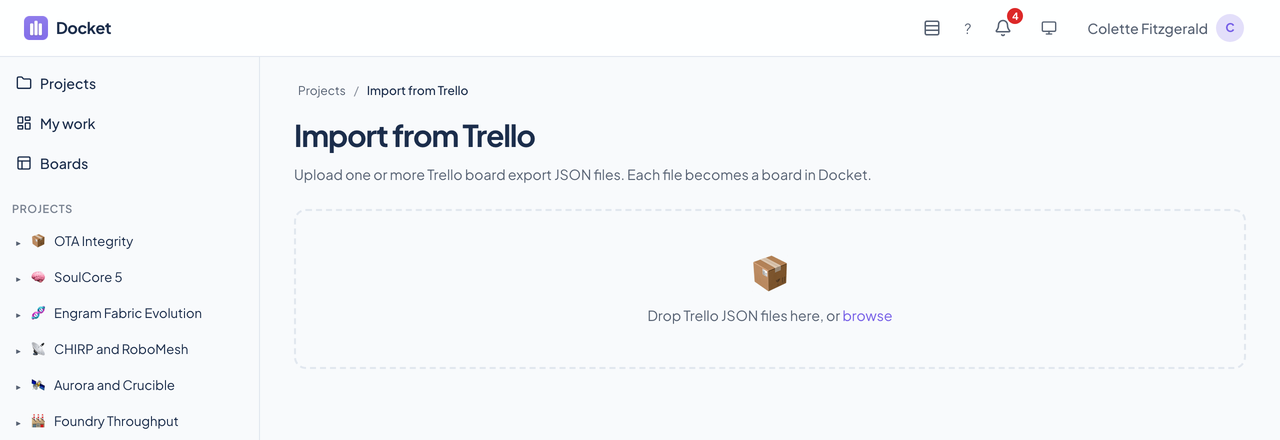
The import page takes a Trello JSON export, one board or a batch, and brings over the cards, labels, comments, and checklists.
Live
People looking at the same project or board see changes as they happen, over a WebSocket channel for each. A connection that cannot keep up is dropped rather than allowed to hold up the save behind it.
Questions about this tool?
Write to Renkara Media Group and a person will answer.